EN
Log in Zalo chat

9Top floor · 3D elevator interior configurator

Show clients their elevator in 3D before they sign

Clients mix and match the cabin, doors and exterior right on their phone. The PDF selection sheet carries your company name and logo. Nothing to install.

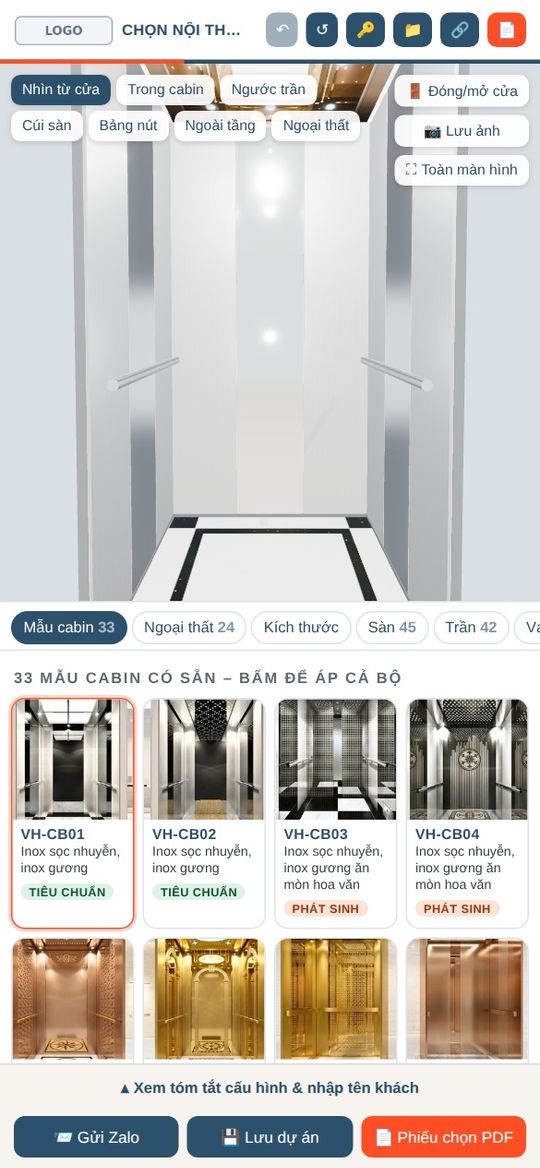
  • 33cabin designs
  • 45floor designs
  • 42ceiling designs
  • 24exteriors

Trial 500,000 VND/month · 1-year plan 5,500,000 VND · Combo with offline version 7,000,000 VND

Scroll down: the cabin rides down the shaft, one section per floor. 33 cabin designs spiral around the shaft – tap one to see it up close.

8See it run · White label

One tap and clients see it

Every frame in these clips comes straight from the app. Clients open the link on their phone and get exactly this.

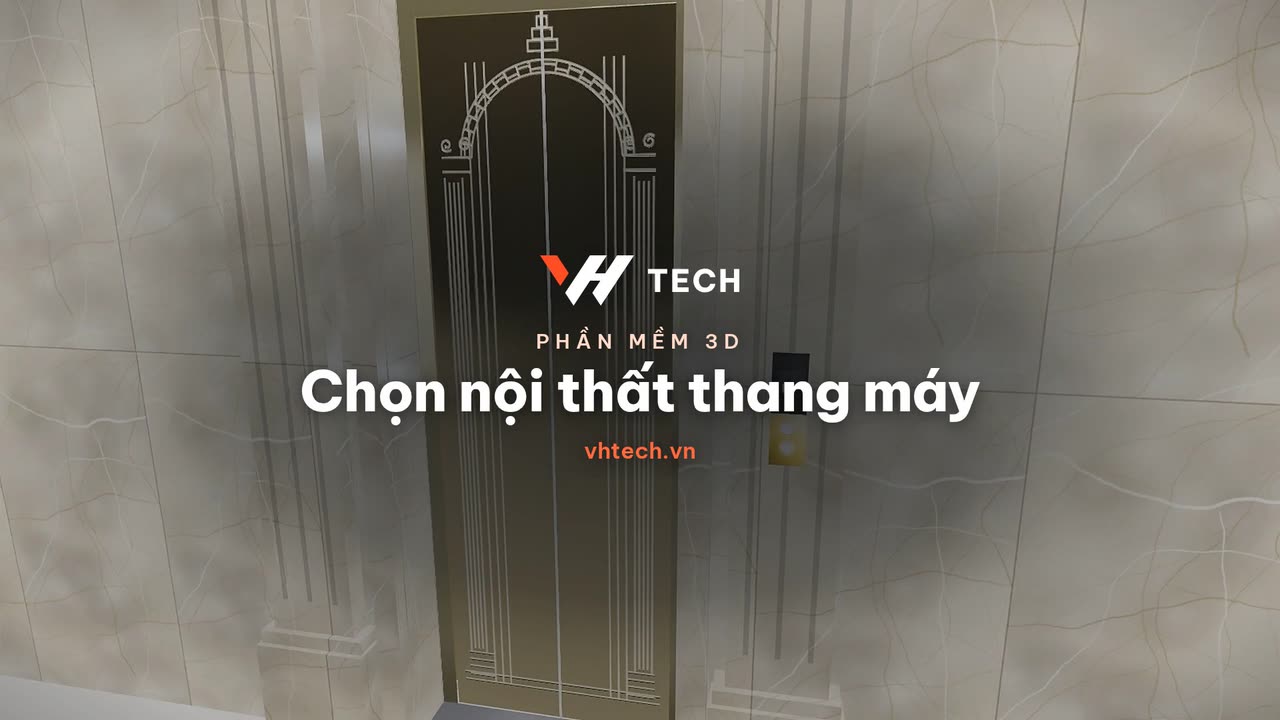
Switch cabin designs33 designs, one tap applies the whole set
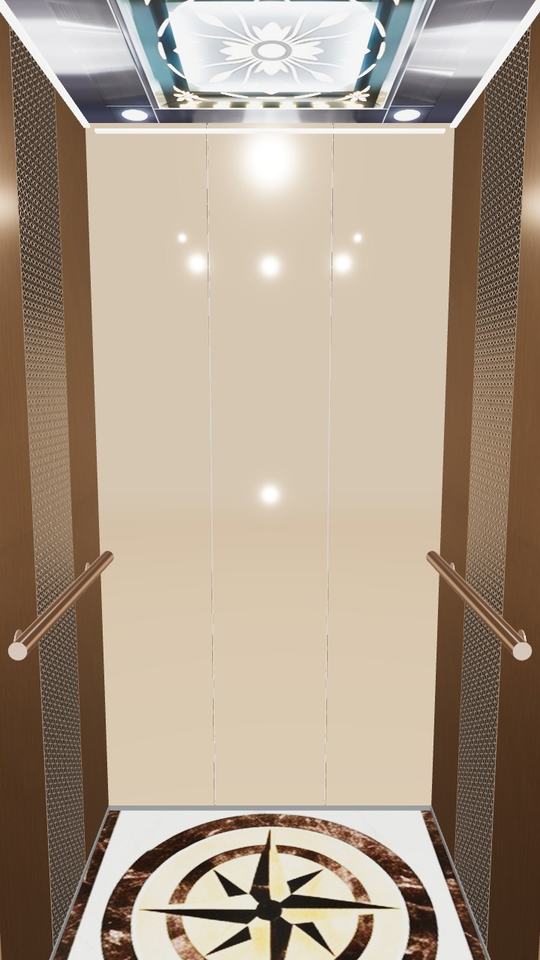
360° viewFloor, ceiling, walls, button panel
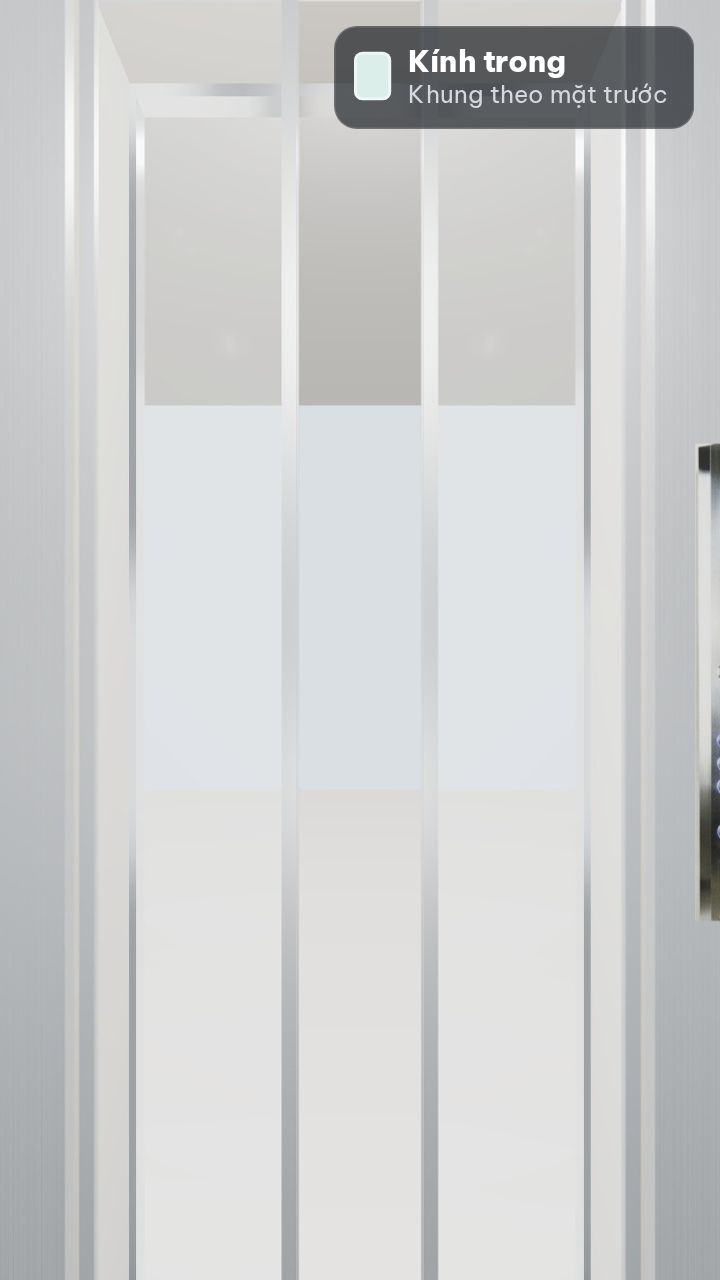
Glass doors9 glass tints, 15 frame colors

White label · your company’s name

  • Your logo, name and hotline at the top of the appUpload the logo and edit your details in the app’s License (Bản quyền) section.
  • A “Send via Zalo” button to your numberWhen clients finish, one tap sends their configuration to your Zalo.
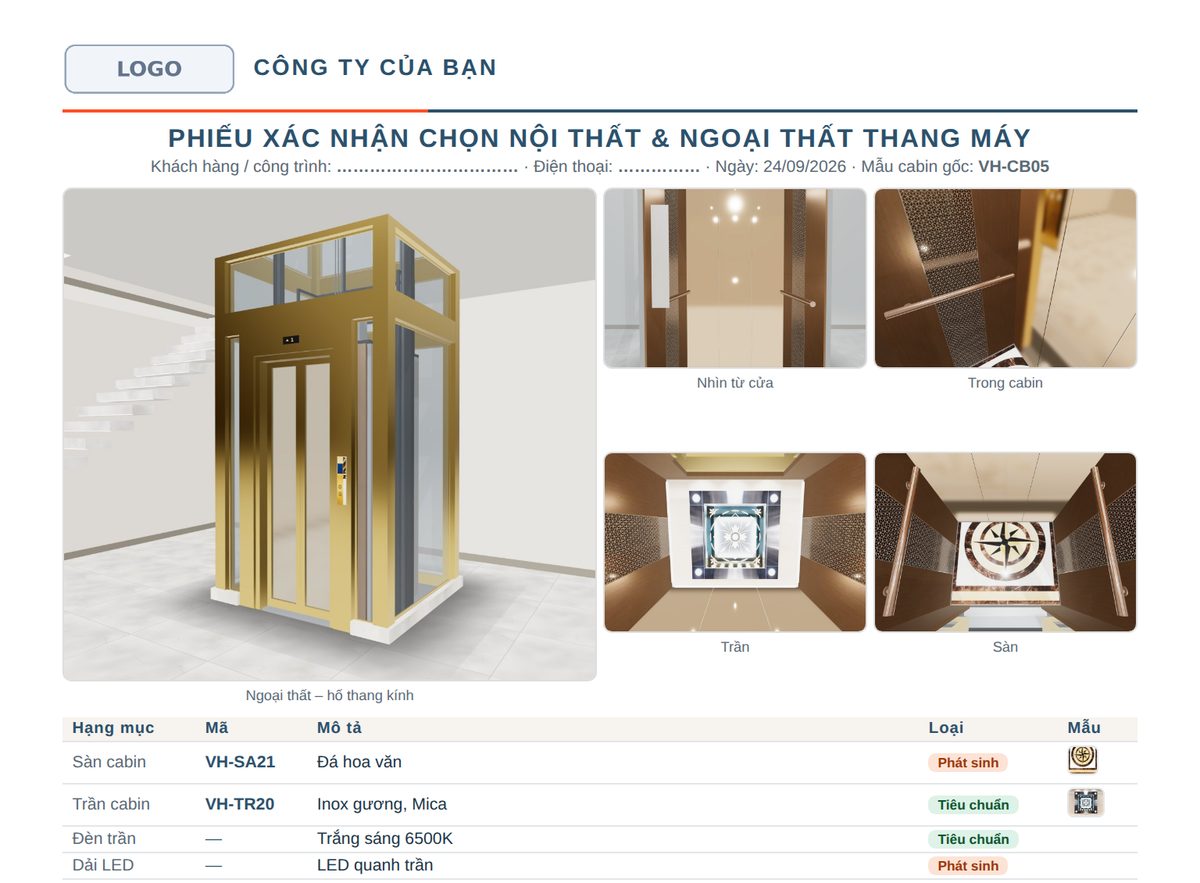
  • A PDF selection sheet for clients to sign3D images, design codes, standard and extra-cost items.
Selection sheet with your logo and company name in the header (Vietnamese sample)

72D drawings

Technical shaft drawings included – no manual drafting

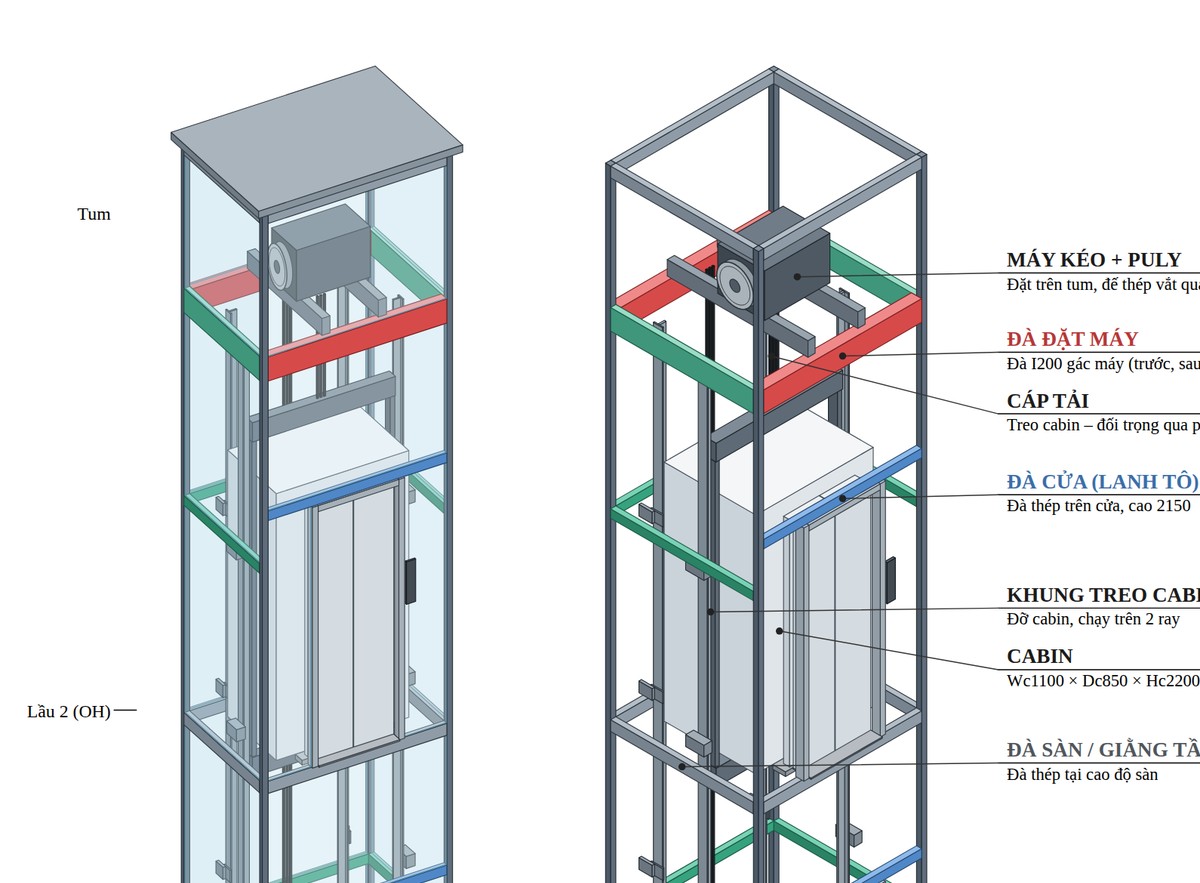
  • A full drawing set: floor plan, section, landing-door finish, shaft structureEnter the shaft, cabin and door dimensions and the drawings come out in standard construction-document format.
  • Clearances and frame sizes computed automatically to installation standardsChange a measurement and the drawing and its dimension notes update immediately.
  • Export to PDF in several paper sizes, to print or send for constructionSend it to installers, architects or clients to review before installation.
2D technical drawing, isometric view of the shaft structure, exported from the app

6Customer feedback

Every suggestion you make is another upgrade for us

Something awkward, or a design or feature you need? Write a few lines. VHTech reads every message and replies within the working day.

Recent upgrades

  • 26/10Detailed design: steel shaft-frame drawings in rolled I-sections and bent sheet steel; export only the parts you tick.
  • 26/103D app: more realistic brushed and mirror stainless and glass; adjustable 30–150 mm stainless trim on glass walls.
  • 26/103D + 2D apps: I-beam steel frames for glass elevators; set the width of each cabin wall panel.
  • 20/103D + 2D apps: single-panel, 4-panel one-way and automatic swing doors; front and rear through doors.

Nothing is sent until you tap Send in Zalo; this website does not store your feedback.

5Features

Everything clients need to choose an elevator

3D interior configurator + 2D drawings, updated to 26 Oct 2026.

360° interiors

Floor, ceiling, walls, doors, handrails, button panels. Rotate and zoom into every corner as if standing in the cabin.

True-to-life materials New

Brushed, hairline and mirror stainless with a metallic sheen; glass that reflects with the viewing angle.

Glass cabins, stainless frames New

Pick the frame color, set the stainless trim from 30–150 mm and the width of each wall panel.

Glass elevator exteriors

Glass within the frame, glass over the frame, stainless cladding; stone-clad fronts for masonry shafts. 24 ready-made designs.

I-beam steel frame New

I100 / I120 posts with U100 bracing; V50 diagonal bracing outdoors, brackets anchored to floor beams indoors.

Every door type New

Centre-opening 2- or 4-panel, side-opening 1- or 2-panel, 4-panel one-way; manual and automatic swing doors.

Two doors, one lift New

Front–rear or adjacent doors, choosing which door serves each floor; walkways for outdoor glass elevators.

Tempered glass doors

9 glass tints and 15 stainless frame colors for car doors and landing doors.

Real dimensions

Enter the shaft, cabin, door and floor-height measurements. The 3D follows the site, and the dimensions print on the selection sheet.

A saved project for every client

Reopen the exact configuration any time; download 3D images, the PDF sheet or a ZIP file to send to the client.

New: detailed elevator designFabrication drawings for every part, steel shaft frames, laser-cut DXF, STEP, bill of materials · free trial

4News, videos & pricing

Videos and news from VHTech

Pricing: 3D app + 2D drawings · under your company name

TRIAL

Online, pay by the month

500,000VND/month

all-in

1-YEAR PLAN

Online, 12 months of use

5,500,000VND/year

all-in

500,000 VND less than 12 months of renting

COMBO + OFFLINE

6 months online + offline version

7,000,000VND

all-in

offline version: buy once, use forever

Every plan includes a link + activation code in your company name, unlimited devices and client views, white label, all ready-made designs, video tutorials and Zalo support. The offline version (4,000,000 VND, yours to keep) is sold only with the combo. Cabin designs from your own catalogue: quoted separately, 3–7 days.

DETAILED ELEVATOR DESIGN

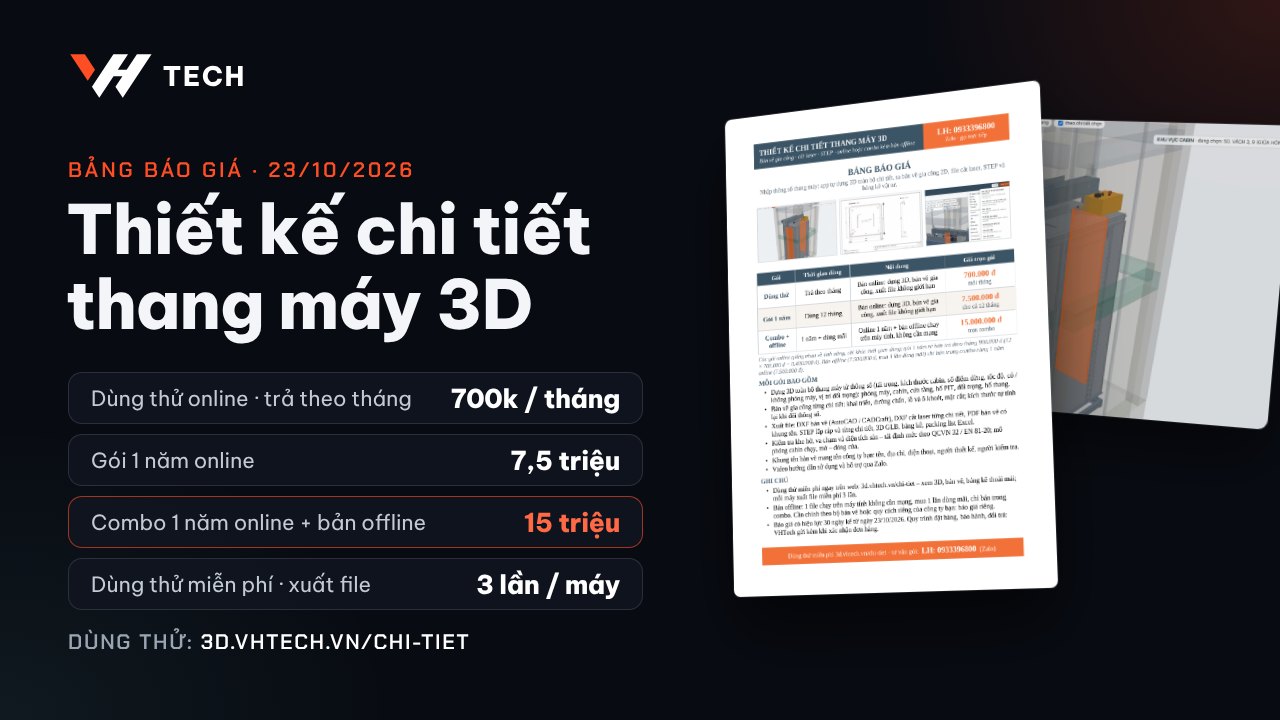
700,000 VND/month · 7,500,000 VND/year · combo: 1 year online + offline version 15,000,000 VND

The app interface is currently in Vietnamese.

3Policies

Privacy, payment & refund policies

Please try before you buy. Once a code is activated, it cannot be refunded.

Privacy

VHTech keeps only what is needed to issue your activation code, put your company name on the app and support you; your client and project data stays on your own devices.

What VHTech receives

  • When you contact us by Zalo or phone: contact name, company name, phone number, what we discuss and your feedback.
  • When you buy: company name, short name, hotline, address, website / email and logo – written into your activation code to appear on the app, printed sheets and drawing title blocks.
  • Bank transfer: VHTech only matches the transaction; we never receive or store card numbers or banking passwords.
  • Activated detailed-design app: a device list records the code number, a random device ID, the device name, the date added and the date last used, to allow at most 7 devices per code.

Stays on your devices – VHTech never receives it

  • Projects, configurations, and the client and project details you enter in the 3D app, selection sheets and drawings: stored in the browser on your device.
  • Exported files (PDF, DXF, STEP, ZIP, Excel) are created on your device; the Send via Zalo button goes straight to your company’s Zalo.
  • Management software: the trial keeps its data in your browser; the full version is installed on your own company’s server, and VHTech connects only with your permission to install, maintain or fix it.

Website, purposes and storage

  • vhtech.vn uses no tracking tools, ads or tracking cookies.
  • Information is used to issue, renew and revoke codes, to support you and to improve the software. VHTech never sells, rents or shares it with others, unless you agree or the authorities require it by law.
  • Kept in VHTech’s internal records and VHTech’s Google Firebase system, visible only to the staff in charge; kept while you use the software and up to 24 months after your code expires, except accounting records kept as the law requires.

Your rights

  • Correct your company details (VHTech reissues the code), remove a device from the device list in the app, or ask us to delete your information (VHTech revokes the code and deletes it within 7 working days).
  • Your clients’ details on selection sheets are managed by you on your own devices, in line with personal data protection law.
Payment & activation

VHTech sends the activation code first and you pay by bank transfer afterwards; if the payment has not reached our account 12 hours after the code was sent, the code locks automatically.

  1. Choose a plan and send your company name, hotline and logo to VHTech on Zalo.
  2. VHTech sends the activation code (or link) with the bank transfer details.
  3. You pay within 12 hours. Once VHTech receives the full amount, the code keeps working until the plan ends.
  4. No payment after 12 hours: the code locks and the app stops working. Once you have paid, VHTech unlocks the code or issues a new one within the working day.
Returns & refunds

Please try before you buy: software is a digital product, and VHTech does not refund an activated code.

Start with a trial

  • 3D app + 2D drawings: the free preview link, then the 500,000 VND/month trial plan under your company name; use it for a full month before moving to the yearly plan or the combo.
  • Detailed-design app: free trial at 3d.vhtech.vn/chi-tiet (3 file exports per device), then the 700,000 VND monthly plan.
  • Management software: free sample-data trial at vhtech.vn/phan-mem-quan-ly.
  • Test it on the same computers, browsers and phones you will actually use.

No refunds after activation

  • Activation means the code or link has opened the app for the first time, or you have received the offline file.
  • After activation: no refunds, no switching to a cheaper plan and no transferring the code to another company.
  • Monthly plan: stop renewing at any time; months already paid are not refunded.
  • Custom cabin designs, installation and data entry: not refundable once delivered. Codes revoked for being shared with another company: no refund.

When VHTech is at fault

  • Paid but no code or link within 3 working days: you may cancel for a 100% refund.
  • A VHTech fault stops you using the app: VHTech fixes it and adds the lost days to your plan.
Warranty & support

The online version gets free bug fixes for the whole plan; the offline version gets free bug fixes for the first 6 months.

  • The online version gets new designs and features automatically during your plan.
  • Offline version (combo): Zalo support continues after 6 months; upgrades to new versions are quoted separately.
  • Support via Zalo and video tutorials, with replies within the working day.
  • Not covered: modified app files, codes shared with another company, or faults caused by your own devices, browser or network.
  • To report a bug: message us on Zalo with a screenshot, your company name and code number (shown in the app’s License section).

Applies to vhtech.vn, the 3D app + 2D drawings, the detailed elevator design app and the management software. For any request, message VHTech on Zalo. Effective 26 Oct 2026; any change will be posted here, and activated plans keep the terms in force when they were bought.

2More software

Run your whole elevator company

Built from the day-to-day work of a real elevator company: quotes, contracts, installation, maintenance.

Elevator company management app

Sign-ups open

Projects by contract, income and expenses, invoices, materials, maintenance, gross margin per project. Try the demo (Vietnamese) →

Parts & materials inventory

On request

Stock in, stock out and on hand; stock cards, item photos, Excel export.

Internal ledger

On request

Income and expenses, purchase and sales invoices, contracts; works even offline.

Elevator & shaft-glass pricing

On request

Prices by load, number of stops and glass area; cost and gross margin.

Elevator maintenance app

On request

Technician assignments, maintenance photos, inspection records, due-date reminders.